Restaurant Menu Software: Key Features to Look For in 2026
With dozens of similar-looking services, choosing restaurant menu software is harder than it seems. This guide lists the 10 features to check before you decide: mobile speed, multi-language support, real-time price and stock updates, template variety, AI features, analytics, a customer call button, transparent pricing and data ownership, with what to look for in each one.
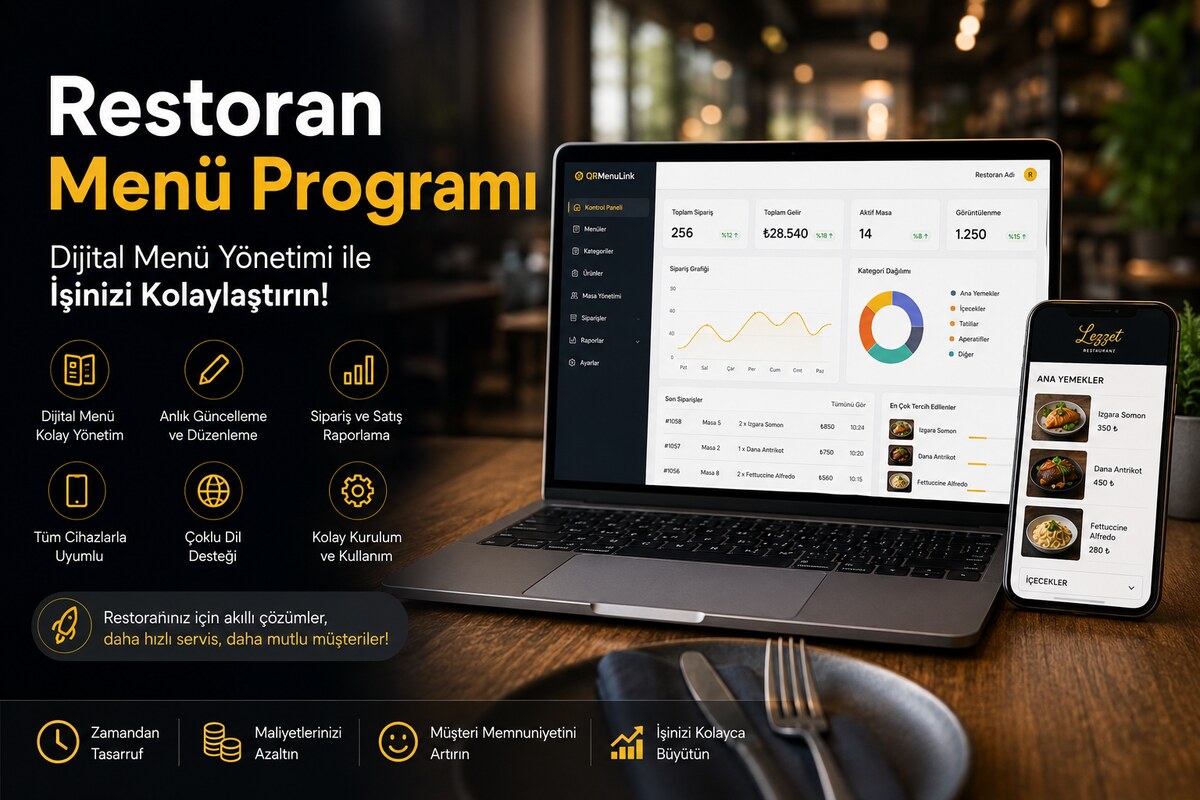
Choosing restaurant menu software is harder than it looks. There are hundreds of QR menu services, most of them look alike, and it is not easy to tell which features will actually benefit your business. In this article, we list the 10 key features you should look for as a restaurant owner in 2026.
1. Mobile compatibility and speed
95% of customers open the menu on their phone. If the menu takes longer than two seconds to load, customers will not put up with it. Open a demo of the candidate platforms on your own phone and observe how quickly it displays. All QR Menu Link templates are designed mobile-first; the average load time is under one second.
2. Multi-language support
In tourist areas like Istanbul, Antalya, and Bodrum, the share of non-local customers is high. Your menu software should display every item in separate languages and offer customers a language selector. QR Menu Link comes with 5 languages: Turkish, English, German, French, and Dutch. A separate translation is kept for each item; one-click AI translation is also available.
3. Real-time price and stock updates
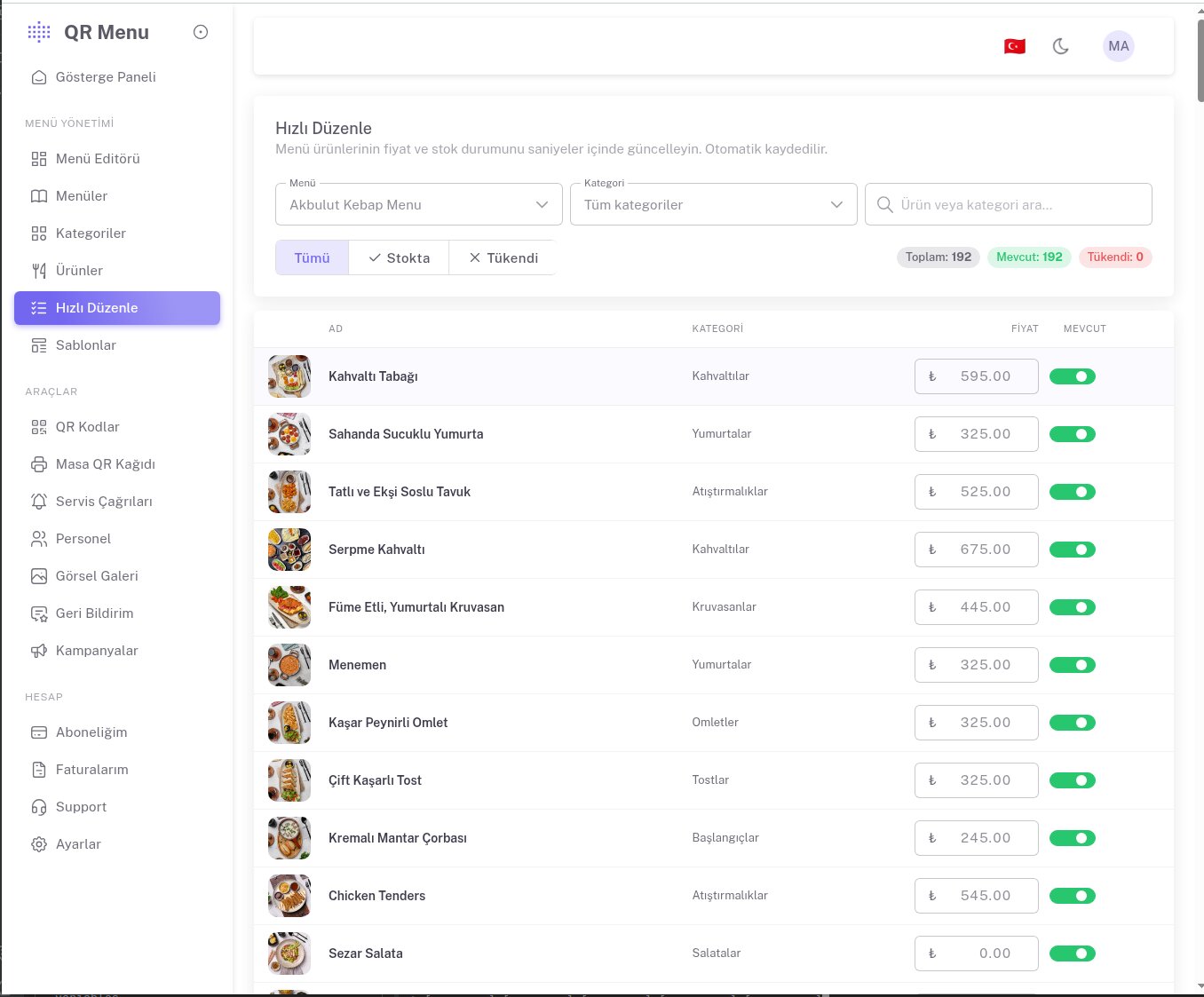
The butcher raised meat prices and you need to update yours. Instead of printing a new menu, you should be able to change the price in the panel. Likewise, to say "Today's chicken is sold out," you should be able to mark the item as out of stock.
4. Template variety and customization
A single template does not suit every restaurant. A kebab house cannot share the same visual identity as a fine-dining restaurant. QR Menu Link offers 13 templates: Cafe Banner and Fast Cafe for cafes, Premium Gold for luxury restaurants, Bar & Cocktails for bars and lounges, and Wellness for spas and wellness venues. Each template can be fine-tuned in its own colors and fonts.
5. AI-powered features
In 2026, AI is now part of menu software too. The AI features you should look for:
- AI translation: Translates all items into 5 languages with one click
- Description generation: Type "Chicken Pizza" and it generates an appetizing description
- Menu extraction from a photo: Take a photo of your old printed menu and AI reads all the items and prices
- Category illustration generation: Create an illustration from a category title without taking a photo
6. Analytics and reporting
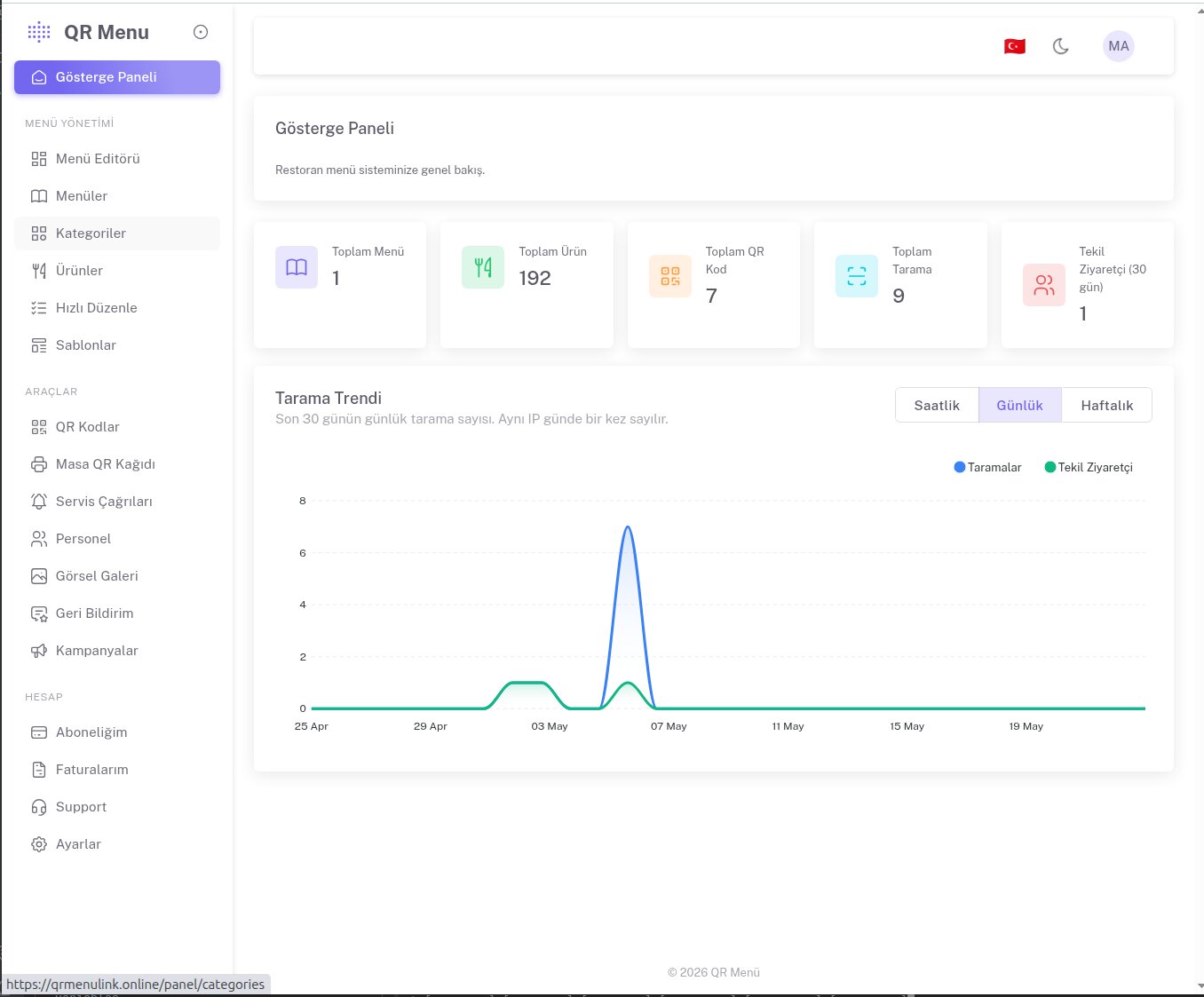
How many times was the QR code scanned? At what hours is scanning busiest? Which items get clicked most? In which category do customers linger longest? These questions let you optimize your menu layout. For example, if the desserts category gets no clicks, either the image quality is poor or the category is placed too far down in the order.
7. Customer call button
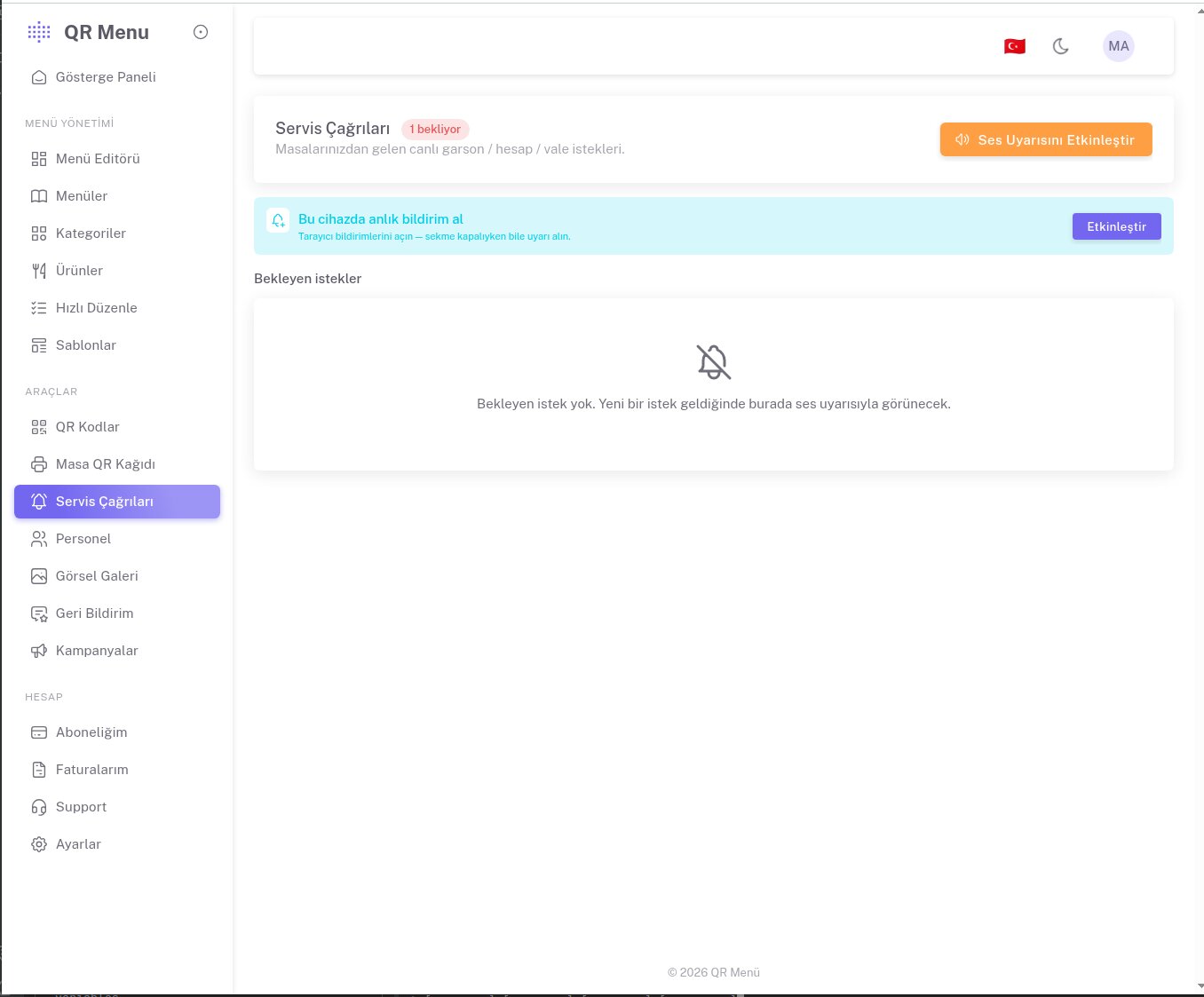
A feature that has now become standard in modern restaurants: buttons within the menu such as "Call waiter," "Request bill," and "Ask for water." When the customer taps the button, an instant push notification is sent to the staff's phone. It significantly improves service quality and speed.
8. Pricing transparency
Monthly or annual payment should be clear. It should be obvious whether VAT is included or excluded. After moving to a payment plan, there should be no surprises like "a separate fee per table." At QR Menu Link, the Starter plan is 200₺/month (excl. VAT) and includes unlimited items and categories. The annual plan is 1,500₺ (three months free).
9. Multi-menu support
Does your cafe keep separate breakfast, lunch, and dinner menus? Do you have a separate menu for special days like holidays and New Year? Menu software should let you create multiple menus for a single restaurant. This feature should be standard on the Pro plan.
10. Data ownership and export
If you want to move your menu to another platform two years from now, the current platform should be able to give you your menu data in JSON, CSV, or a similar format. You own the menu content, not the platform. It is worth asking about this before signing up.
Conclusion: Which is best?
The answer to "best" changes according to your business's needs. A small cafe with a single menu can use Starter for years. A restaurant that swaps seasonal menus, like holiday or summer menus, will need the Pro plan. A luxury restaurant may prefer a custom-themed Enterprise package.
The fastest way to find the right answer: try it free for 6 months and go live in your own restaurant. The decision is yours, but the data will be in your hands.